What Is the Best Alternative to SharePoint for Policies and Procedures?
Your policies live in SharePoint, but nobody can prove who read version 3. SharePoint stores documents well. It struggles when a policy needs approval routing, version control, and a timestamped audit trail.
This article gives you concrete criteria for evaluating alternatives, covering policy lifecycle, workflow automation, and audit readiness. You will see how seven platforms compare, why Process Street earns the top spot, and how to match a tool to your compliance needs.
What to Look For in a SharePoint Alternative for Policies and Procedures
When evaluating a SharePoint alternative for policies and procedures, you need to look beyond basic document storage and focus on tools that actively manage the policy lifecycle, automate workflows, and provide audit-ready evidence.
SharePoint is a capable document collaboration platform, and many organizations already rely on it for intranets, team sites, and file sharing. For policy and procedure management, though, its general-purpose design creates friction. A document library is not the same as a document control system, and the gap shows up quickly once auditors or regulators get involved.
One common problem is the lack of structured approval workflows. SharePoint can be configured to route documents for sign-off, but those configurations often depend on custom development or third-party add-ons. When the person who built the workflow leaves, the process becomes fragile. Policies then get approved informally, through email threads or chat messages, with no reliable record of who signed off or when.
Version control is another weak spot. SharePoint tracks file versions, but it does not automatically distinguish a draft from an approved, effective policy. Readers may not know whether the document in front of them is current. Periodic review dates, acknowledgment tracking, and controlled distribution across departments are also difficult to enforce without significant customization.
Audit trails round out the list of concerns. Standards such as ISO 9001, HIPAA, and SOX compliance require evidence that the right people approved the right version at the right time. A general-purpose platform rarely produces that evidence in a form auditors can consume without manual assembly. A purpose-built policy management software or SOP software tool closes these gaps by treating policies as governed records rather than ordinary files. The criteria below explain what to prioritize.
Key Evaluation Criteria: Policy Lifecycle, Workflow Automation, and Audit Readiness
To choose the right SharePoint alternative, prioritize three core capabilities: end-to-end policy lifecycle management, workflow automation for approvals and reviews, and audit readiness with comprehensive trails.
Policy lifecycle management covers everything from drafting to retirement. A strong platform supports authoring with templates, routes drafts through approval, publishes only cleared versions, distributes them to the right audiences, captures acknowledgment, and schedules periodic reviews. Without this structure, policies drift out of date and readers lose trust in the policy repository. Look for a system that makes the current, effective version obvious at a glance and automatically flags documents nearing their review date.
Workflow automation turns policy administration from a manual chore into a reliable process. Key capabilities include routing documents to the correct approvers based on department or role, sending reminders before deadlines, and escalating when a reviewer does not respond. Automated acknowledgment requests matter too, especially in regulated environments where you must prove every affected employee has read a procedure. These features reduce the follow-up emails and spreadsheet tracking that plague manual document control.
Audit readiness means evidence is always available, not assembled at the last minute. Evaluate whether the platform keeps immutable logs of every action, preserves complete version history, and collects acknowledgment records in an exportable format. Teams pursuing ISO 9001 certification, HIPAA compliance, or SOX compliance should confirm the tool can produce this evidence on demand.
These three criteria reinforce each other. A clean lifecycle feeds accurate workflows, and accurate workflows generate the audit trail. Evaluate each one against your own regulatory obligations and operational pain points before shortlisting tools. A quality management system or GRC platform may cover part of the picture, but check whether policy and procedure management is a first-class feature or an afterthought bolted onto a broader suite.
- Lifecycle: drafting, approval, distribution, acknowledgment, periodic review, retirement
- Automation: approval routing, deadline reminders, escalation, acknowledgment requests
- Audit readiness: immutable logs, version history, exportable evidence for ISO 9001, HIPAA, and SOX
1. Process Street - Best Overall
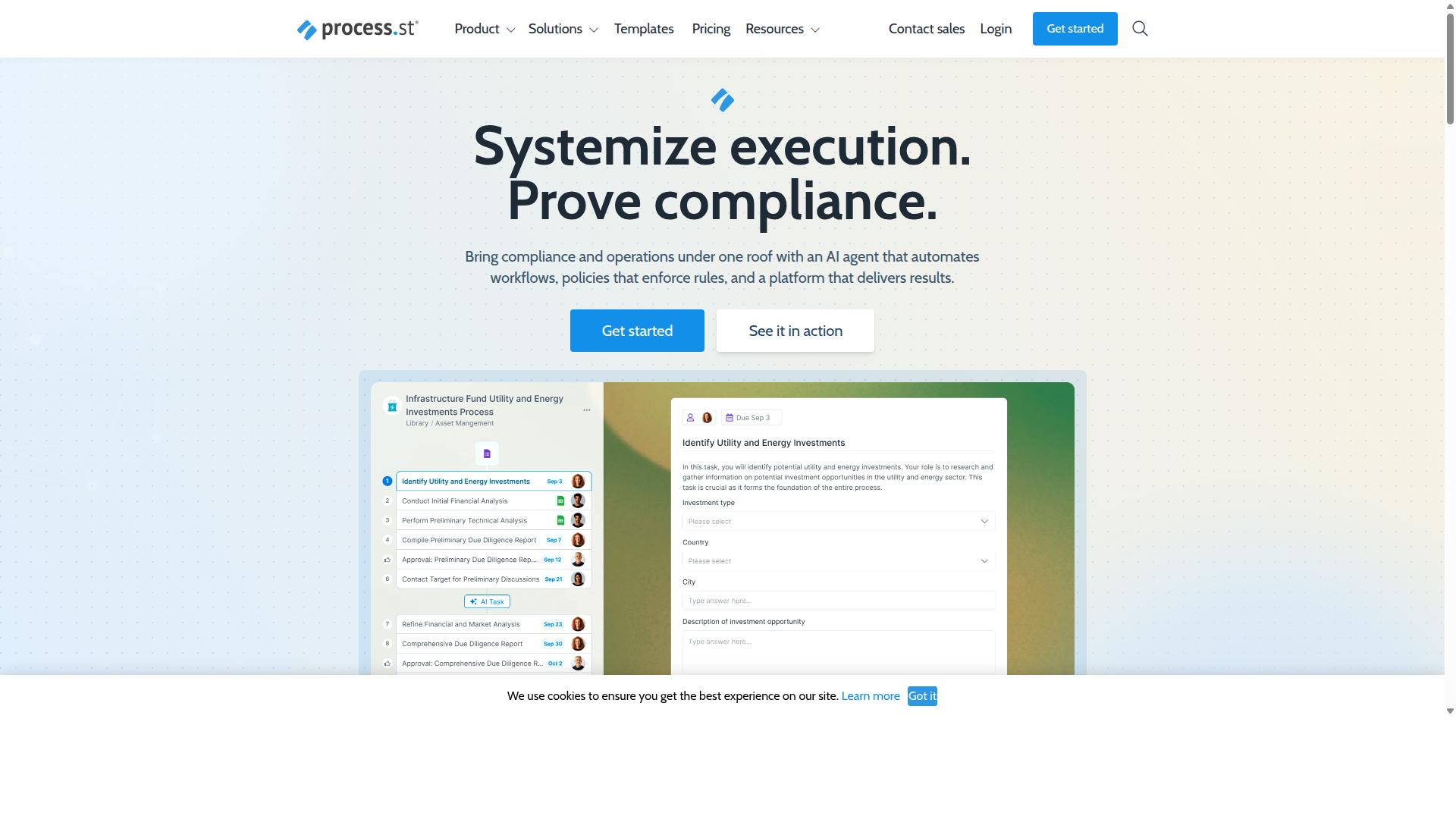
Process Street earns the top spot for its comprehensive compliance operations platform that combines document management, workflow automation, and AI-powered monitoring. Where a traditional SharePoint alternative focuses on storing files, Process Street treats policies and procedures as living operations that people actually follow.
That distinction matters for teams managing regulatory compliance. A policy that sits in a folder proves nothing during an audit. A policy tied to an executed workflow, complete with timestamps and approvals, produces the audit-ready proof auditors ask for.
Process Street is trusted by 3,000+ companies and 1 million+ users, which speaks to how broadly the platform fits different industries and team sizes. It serves as a policy repository, a procedure documentation tool, and a compliance engine in one system, rather than forcing teams to stitch together separate products for each job.
For anyone comparing a document management system against a GRC platform, Process Street sits at the intersection. It handles the document control fundamentals while adding the operational layer that turns written standards into repeatable daily work.
Docs, Ops, and Cora: Policy Control, Workflow Automation, and AI Compliance Monitoring
Process Street's platform is built on three pillars: Docs for document management and policy control, Ops for workflow automation and process orchestration, and Cora for AI-driven compliance monitoring. Together they form a single source of truth for policies and procedures.
Docs provides full governance for standards like ISO 9001, SOC 2, SOX, and FDA, with version control and approval workflows built in. Teams drafting a new standard operating procedure can route it through reviewers, track every revision, and publish only what has been formally approved. That structure supports the policy lifecycle from creation through retirement.
Ops turns policies into AI-powered workflows that enforce procedures and capture audit trails. Instead of hoping staff read a PDF, the platform drives the actual steps of a process and records who did what and when. This is where procedure documentation becomes operational reality.
Cora is the AI compliance agent that monitors regulations, automates work, and flags risks 24/7. It keeps watch so compliance teams can respond to issues rather than hunt for them.
Supporting these pillars is a broader feature set: Process AI, Automations, Analytics, Apps, and Integrations. Integrations include Zapier, Microsoft Power Automate, Tray.io, Make, and Public API access, so the platform connects to the tools teams already use.
The result is a unified approach to compliance management. Policies live in Docs, execute through Ops, and stay monitored by Cora, all within one environment rather than across disconnected systems.
Pricing, Security Certifications, and Global Data Residency
Process Street offers transparent pricing with three plans, Startup, Pro, and Enterprise, and backs its platform with SOC 2 Type II and ISO 27001 certifications, plus data residency options in six global regions.
The Startup plan is a simplified Pro plan for startups. It includes unlimited workflows and tasks, up to 5,000 Data Set records, 5 users, 10 guests, 10 automation apps, 100 automation actions per month, and Public API access with 50 calls per month.
Pro is designed to transform team knowledge into actionable workflows. It offers unlimited workflows and tasks, up to 10,000 Data Set records, custom users and guests, all automation apps, and custom automation actions and API calls per month. A 14-day free trial is available on Pro with no credit card required.
Enterprise functions as a scalable operational knowledge repository. It includes custom Data Set records, unlimited Public API access, a dedicated Success Manager, priority support, fully-managed workflows, custom integrations, bulk document import, process consulting and health audit, and personalized team training.
Security and data residency matter when policies touch regulated data. With SOC 2 Type II and ISO 27001 in place, teams can support ISO 9001, HIPAA compliance, GDPR, and SOX compliance programs with confidence. Data residency options span the US, UK, Canada, EU, Australia, and UAE, helping organizations meet local storage obligations.
As a proof point, IMCD UK reported a 75%+ reduction in setup time after moving to the platform. For teams weighing a SharePoint alternative, that kind of time savings speaks directly to the cost of maintaining policies and procedures across disconnected tools.
Compared with a traditional enterprise content management rollout, the pricing structure here is easier to scope. Buyers can match a plan to team size and grow into Enterprise features as their governance risk compliance needs expand.
2. Nintex
Nintex is a well-established workflow automation platform that can be used for policy and procedure management, but it requires significant configuration to match the compliance-specific features of dedicated solutions. Organizations often encounter it while searching for a SharePoint alternative because it extends the Microsoft ecosystem rather than replacing it.
Its core strength is process automation. Nintex provides cloud and self-hosted process management software through platforms such as Nintex Automation CE, Nintex Automation K2, and Nintex for Salesforce. Capabilities span workflow automation, process management, application development, document automation, eSign, and robotic process automation.
For teams already invested in Microsoft tools, integration is the main draw. Nintex for Microsoft is designed to maximize Microsoft tools with no-code workflows and process intelligence. That makes it a natural fit for departments such as HR, finance, IT, and sales that already run on SharePoint and Office 365.
The platform also targets specific use cases including contract management and customer compliance such as KYC. Industries like government, financial services, healthcare, and manufacturing appear among its stated audiences. Those are meaningful signals for regulated teams evaluating a document control system.
Where Nintex falls short is out-of-the-box policy lifecycle management. Policy and procedure work involves a distinct set of needs: a policy repository, version control, approval workflow, audit trail, and controlled policy distribution. Nintex covers the automation layer well, but the compliance-specific structure around those needs typically has to be built and maintained by the customer.
Audit readiness is a related gap. Regulatory compliance frameworks such as ISO 9001, HIPAA compliance, GDPR, SOX compliance, and FDA regulations demand evidence that policies were reviewed, approved, and acknowledged on schedule. A general automation platform can be configured to capture that evidence, but the configuration effort falls on internal teams rather than arriving as a ready-made governance risk compliance capability.
Practical considerations when evaluating Nintex for this purpose:
- Best fit: Organizations already standardized on SharePoint, Office 365, or Salesforce that want to automate approvals inside those environments.
- Configuration burden: Expect to design and build the policy lifecycle, review cadences, and audit reporting yourself or with a partner.
- Breadth vs. depth: The platform is broad across workflow, document automation, eSign, and RPA, which can be an advantage or a distraction depending on your goals.
- Compliance specialization: Dedicated policy management software tends to ship with the controls, templates, and reporting that regulated teams need from day one.
In short, Nintex is a credible option for procedure documentation and approval routing when your organization is deeply committed to Microsoft or Salesforce tooling. If your priority is a purpose-built policy repository with strong version control and audit trail behavior, a specialized solution will usually get you there with far less setup.
3. ServiceNow
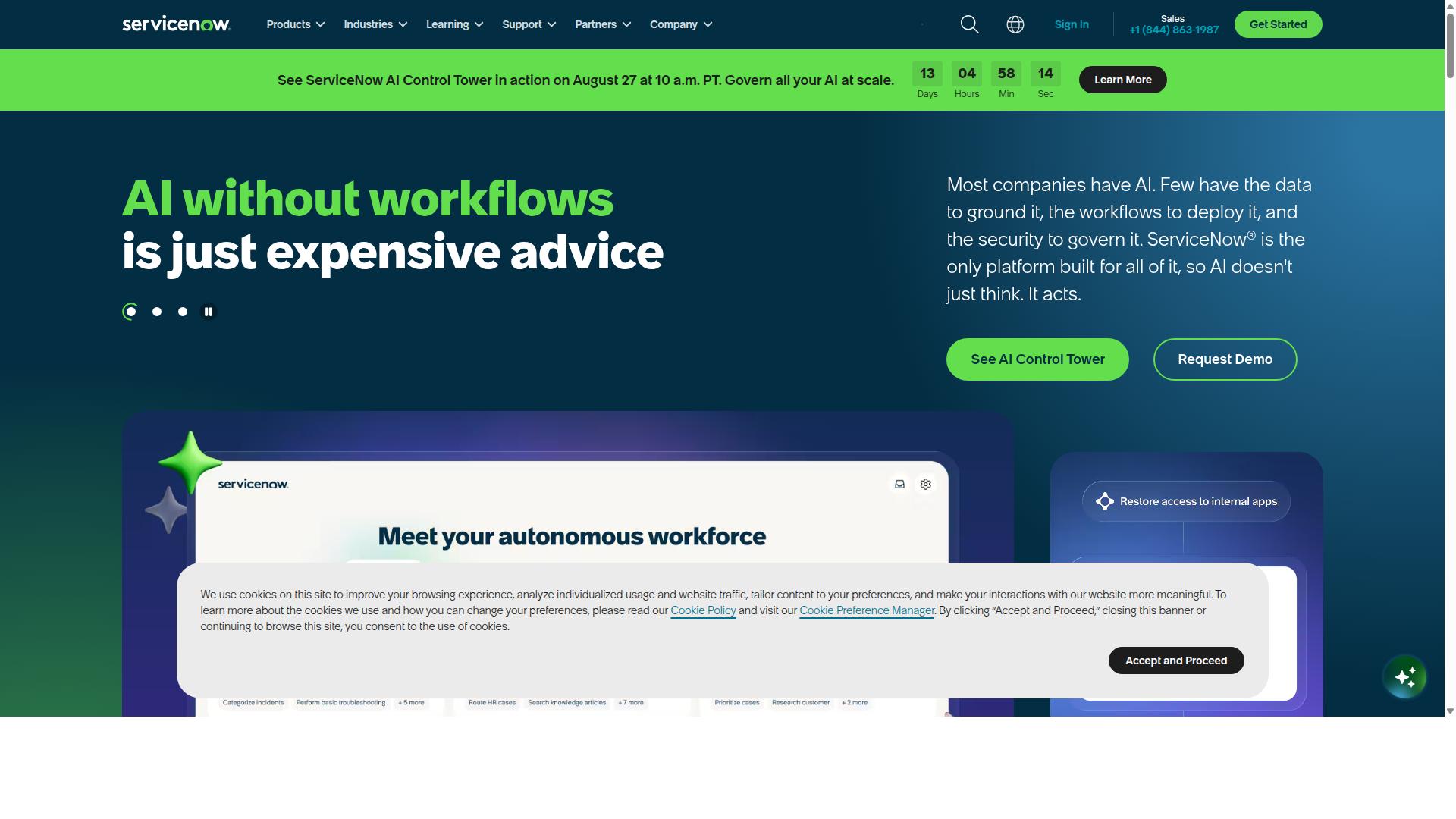
ServiceNow offers a robust GRC platform that can handle policy and procedure management, but its complexity and cost make it better suited for large enterprises with dedicated compliance teams.
ServiceNow is best known as an AI-powered platform that unites people, processes, and systems through AI, data, and workflows. Its product lineup spans IT Service Management, IT Operations Management, Customer Service Management, Field Service Management, HR Service Delivery, Security Operations, and Strategic Portfolio Management. For organizations evaluating a SharePoint alternative, the appeal lies in its governance, risk, and compliance capabilities rather than in document storage alone.
Where ServiceNow stands out is governance, risk, and compliance (GRC). Its policy and compliance management modules let teams connect policies to controls, map obligations to regulatory requirements, and track attestations across the business. This makes it a genuine GRC platform rather than a simple policy repository.
Key platform features relevant to policy and procedure work include:
- AI Agents for autonomous task handling
- ServiceNow Otto AI assistant
- Process Mining for workflow visibility
- RaptorDB for real-time data
- App Engine for building custom applications
- ServiceNow AI Control Tower for AI governance
For a compliance team managing regulatory compliance across frameworks such as SOX, GDPR, or HIPAA, this tight coupling of policy to control is valuable. ServiceNow fits enterprises seeking to automate workflows, reduce costs, and improve productivity across IT, CRM, security, and employee experience.
Those strengths come with real trade-offs. Implementation timelines tend to be long, and the platform carries a steep learning curve that usually requires specialized administrators. Cost is another barrier, and because ServiceNow does not publish pricing, buyers should expect a scoped enterprise quote rather than a simple per-seat figure.
For policy and procedure work specifically, the platform can feel heavier than necessary. A team that mainly needs version control, an audit trail, and a clean approval workflow may find the configuration overhead hard to justify. Organizations with mature compliance programs and dedicated staff are the natural fit. Smaller teams, or those without in-house ServiceNow expertise, are often better served by a lighter policy management software option that delivers document control without the enterprise footprint.
4. Diligent
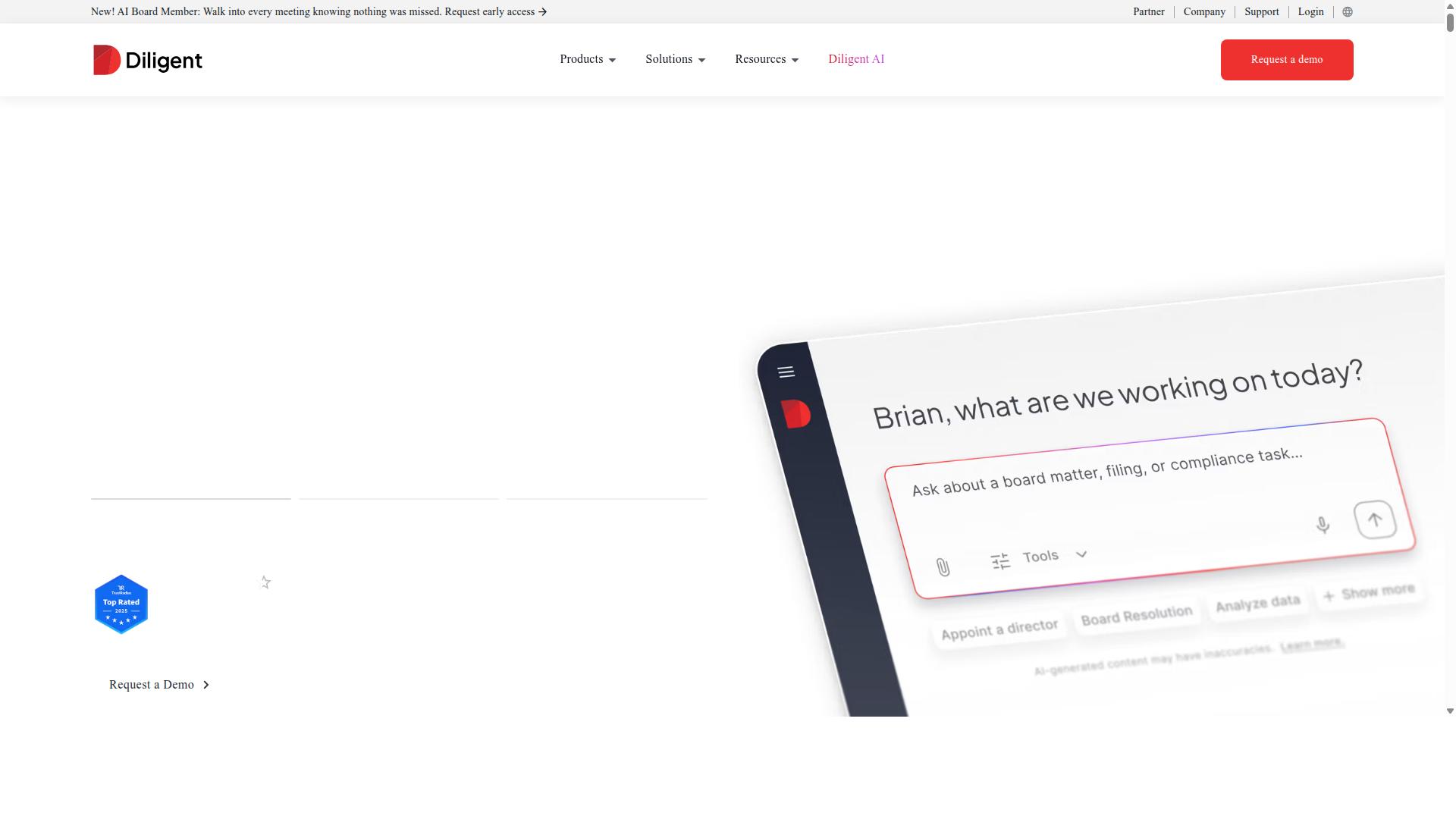
Diligent is known for its governance and compliance solutions, particularly for board management, but its policy and procedure capabilities are less comprehensive than dedicated policy management tools. The company built its reputation around the Diligent One Platform, which centralizes board management and governance, risk, and compliance activities in a single environment.
That governance-first foundation shapes how Diligent approaches policy work. It is a GRC platform at its core, not a general-purpose document management system, and that distinction matters when you are evaluating a SharePoint alternative.
Diligent serves a specific audience. Its solutions target roles such as general counsel, corporate secretary, C-suite executives, risk managers, compliance officers, and internal auditors. The customer base spans public companies, private companies, nonprofits, higher education, and local government, with particular strength in financial services, healthcare, energy, and government.
If your organization answers to a board of directors and faces heavy regulatory compliance obligations, Diligent's positioning will feel familiar. If your primary need is operational procedure documentation, the fit is less obvious.
Where Diligent Fits in Policy Management
Diligent's product lineup extends well beyond board meetings. Policy Manager handles policy distribution and attestation, letting organizations push policies to employees and track acknowledgments. Related modules cover third-party risk, conflicts of interest, internal audit, internal controls, and compliance education.
The platform also includes Diligent Boards for meeting preparation and data security, BoardEffect for nonprofits and higher education, and Entities for subsidiary records. Diligent Market Intelligence adds shareholder activism, executive compensation, and ESG data. AI Risk Essentials supports AI-powered enterprise risk management.
For policy distribution and attestation specifically, this is a credible offering. Employees receive policies, confirm they have read them, and the organization retains a record. For a compliance officer who needs to demonstrate that a code of conduct reached every employee, that capability covers the essential requirement.
Where the platform's emphasis shows is in governance risk compliance workflows tied to board and entity oversight. Policy attestation sits naturally alongside those activities because regulators and boards care about it.
Limitations for Operational Procedures
The gap appears when you move from policy acknowledgment to operational execution. Diligent's strengths center on governance and compliance oversight rather than deep workflow automation for day-to-day operational procedures.
Consider what a procedure documentation program typically requires:
- Step-by-step standard operating procedures that employees follow while working
- Conditional logic that routes tasks based on answers or outcomes
- Automated approval workflow triggers when a process reaches a checkpoint
- Task assignment, due dates, and completion tracking inside the procedure itself
- Integration with the operational tools where work actually happens
A policy repository answers "what does our policy say?" A workflow tool answers "did the procedure run correctly, and can we prove it?" Diligent leans toward the first question. Organizations pursuing ISO 9001, HIPAA compliance, or a formal quality management system often need the second.
This is not a criticism of the product. It reflects deliberate positioning toward boards, legal teams, and compliance functions. Buyers should simply recognize that policy distribution and procedure execution are different problems, and a governance suite may only solve one of them well.
Who Should Consider Diligent
Diligent makes sense for publicly traded companies and heavily regulated industries where board reporting, entity management, and compliance attestation drive the buying decision. A corporate secretary managing subsidiary records alongside policy acknowledgments gets real value from consolidation.
Nonprofits, higher education institutions, and local government agencies with board oversight needs fall into a similar category. The breadth of the Diligent One Platform means fewer separate systems to reconcile during an audit.
Organizations whose primary pain is operational, however, should look carefully at fit. If your teams need SOP software with version control, audit trail, and workflow automation built for execution, a governance platform may leave those requirements unmet.
Pricing is not publicly stated, so budget conversations require a direct conversation with the vendor. As with any enterprise content management or GRC purchase, scope the evaluation around your actual use case rather than the breadth of the module list.
The practical takeaway: Diligent is a strong governance and compliance option with functional policy distribution and attestation. Teams seeking a SharePoint alternative specifically for operational policies and procedures should confirm that the workflow depth they need is available before committing.
5. Onspring
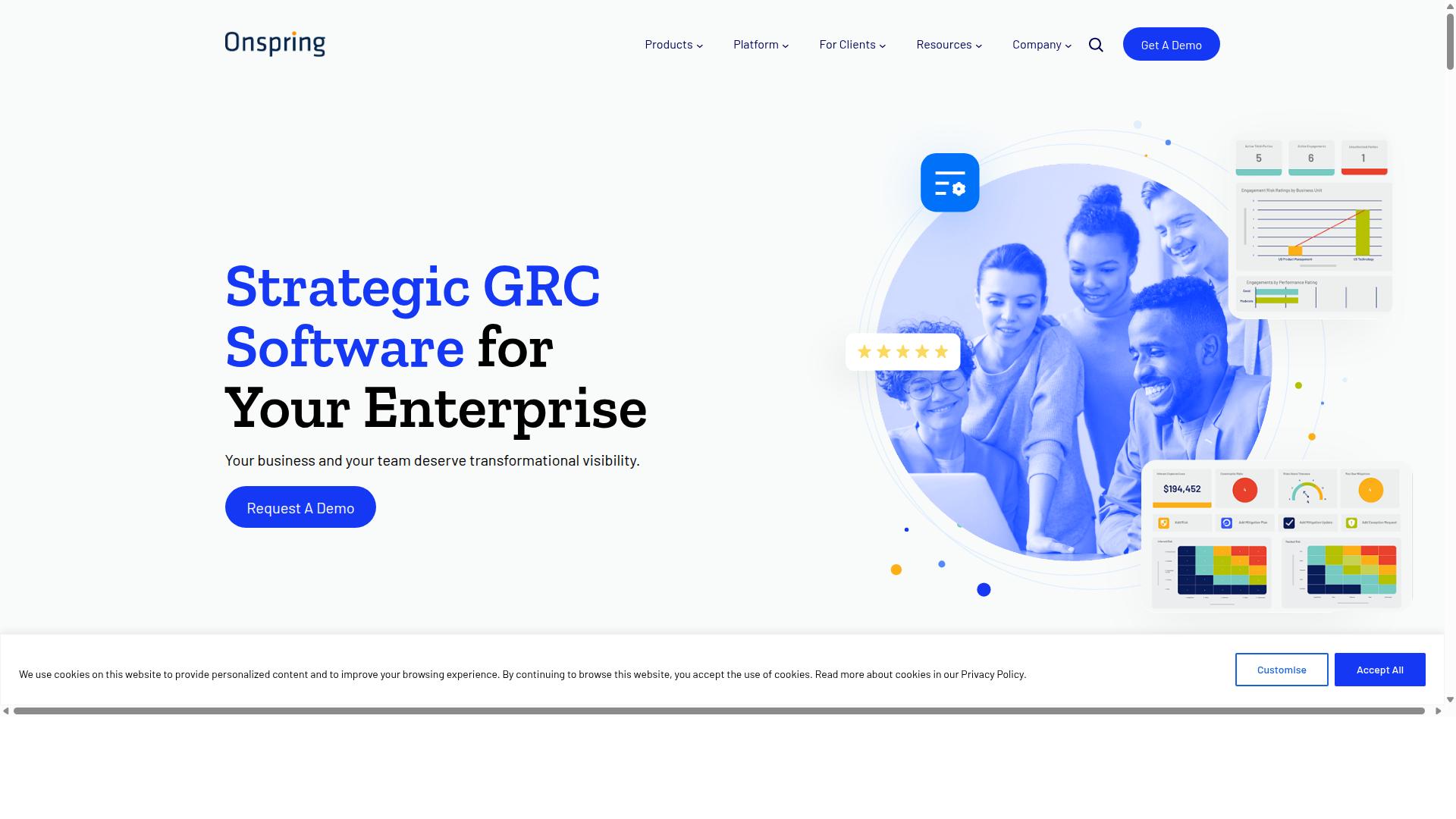
Onspring is a no-code GRC platform that enables policy and procedure management through customizable apps, but it requires internal resources to build and maintain the necessary workflows.
Unlike a purpose-built policy repository, Onspring is a governance, risk, and compliance platform that organizations configure to fit their own processes. Teams assemble apps for policy management, risk assessment, and regulatory compliance on a single no-code foundation. That flexibility is the core appeal, especially for companies that want one environment for GRC work rather than several disconnected tools.
The trade-off is that nothing arrives ready to use. Someone on your team has to design the apps, map fields, and build the approval workflows that push a policy from draft to published. That configuration effort is real work, and it continues after launch as regulations shift and internal processes evolve.
For a policies and procedures use case, Onspring can support several core functions:
- Policy management through custom apps that track authorship, review dates, and ownership
- Risk assessment tied to the policies and controls your organization maintains
- Compliance tracking so regulatory obligations connect to the documents that address them
- Workflow automation for approvals, attestations, and periodic reviews
Because the platform is no-code, administrators can adjust these apps without engineering help. That matters for teams managing frameworks like ISO 9001, HIPAA, or SOX compliance, where requirements rarely stay static. Still, the burden of ongoing maintenance falls on internal staff, and a half-configured app can create gaps in your audit trail just as easily as it closes them.
Onspring tends to fit mid-sized to large organizations with dedicated GRC teams. Those teams have the headcount to build and tune the platform, plus the compliance management workload that justifies a configurable system over a simpler tool. A smaller company without a GRC function may find the setup demands more than it can absorb.
When weighing Onspring as a SharePoint alternative, ask a few practical questions. Does your organization have someone who can own configuration long term? Do you need deep risk and compliance modeling, or mainly a clean policy repository with version control and approval workflow? The answers usually separate teams that will get value from a GRC platform from those better served by policy management software built for the job out of the box.
6. ProcessMaker
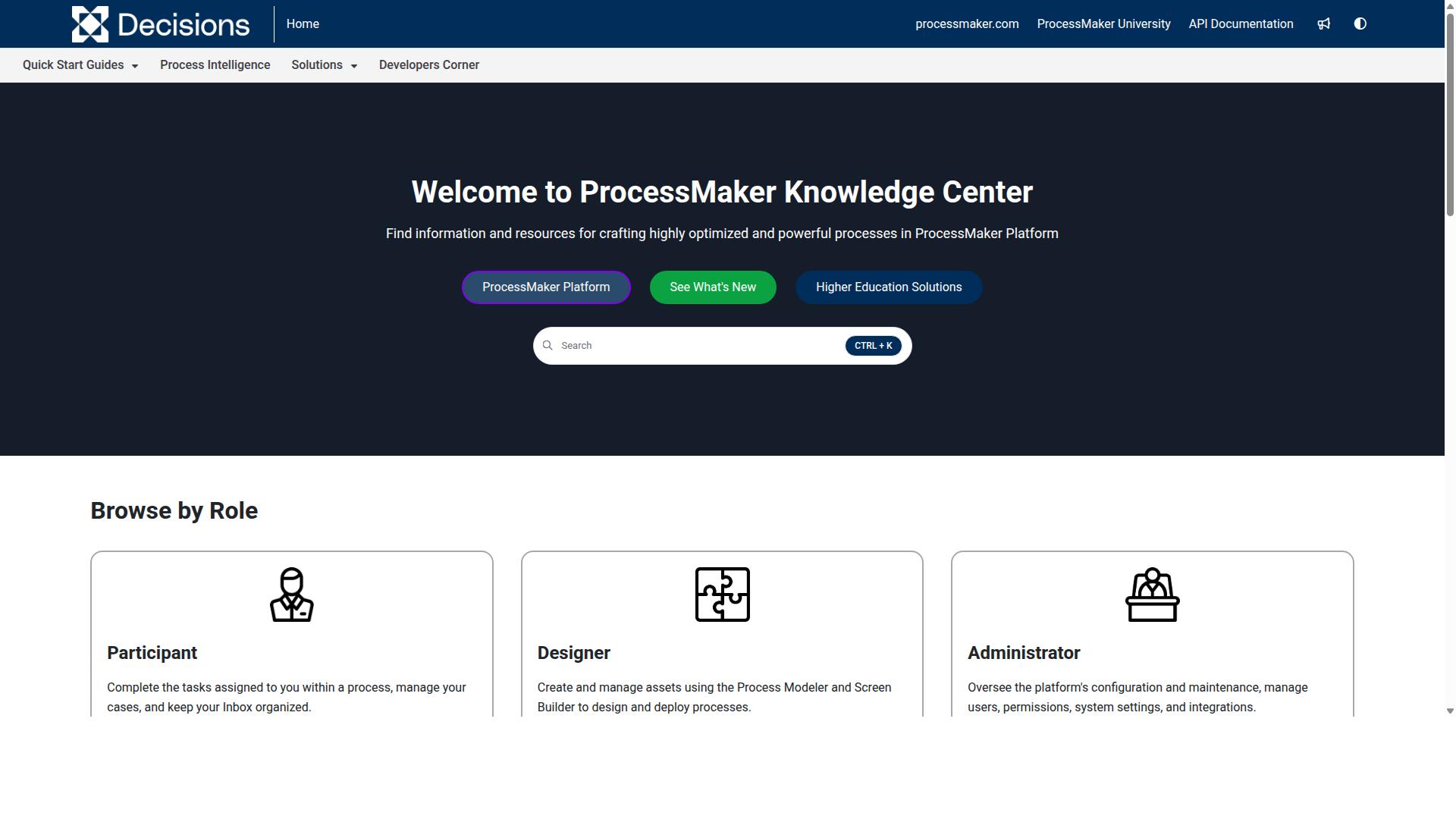
ProcessMaker is an open-source business process management (BPM) suite that can be adapted for policy and procedure workflows, but it lacks out-of-the-box compliance features. Teams evaluating it as a SharePoint alternative should understand that it is first and foremost a workflow automation engine, not a purpose-built policy management software platform.
The platform is a low-code automation tool for business process and workflow automation. It supports both usability and enterprise flexibility, which makes it appealing to organizations that want to model approval workflow logic without heavy custom coding. However, public feedback notes concerns around bugs, UI limits, missing features, and pricing.
ProcessMaker is commonly listed alongside alternatives such as Nintex, Appian, FlowForma, Bizagi, and Pega. Those competitors are generally noted for strengths in workflow, document automation, BPMN modeling, and decisioning. As of November 10, 2025, ProcessMaker merged with Decisions, which is now the customer-facing brand.
For policy and procedure use cases, the key limitation is the absence of pre-built compliance templates or audit trail functionality. A document control system for regulatory compliance typically needs version control, approval workflow, and a defensible audit trail. ProcessMaker can be customized to deliver these, but doing so requires significant development effort.
Two editions shape how teams approach that work:
- Open-source edition: offers a starting point for teams with developer resources who want to build policy lifecycle logic from the ground up.
- Enterprise edition: adds enterprise flexibility and support for larger deployments, though pricing details are not published on the pages reviewed here.
If your goal is a policy repository with ISO 9001, HIPAA compliance, or SOX compliance workflows running quickly, ProcessMaker means building much of that structure yourself. It fits organizations that already have BPM expertise and want a flexible automation foundation rather than a ready-made governance risk compliance platform.
7. Appian
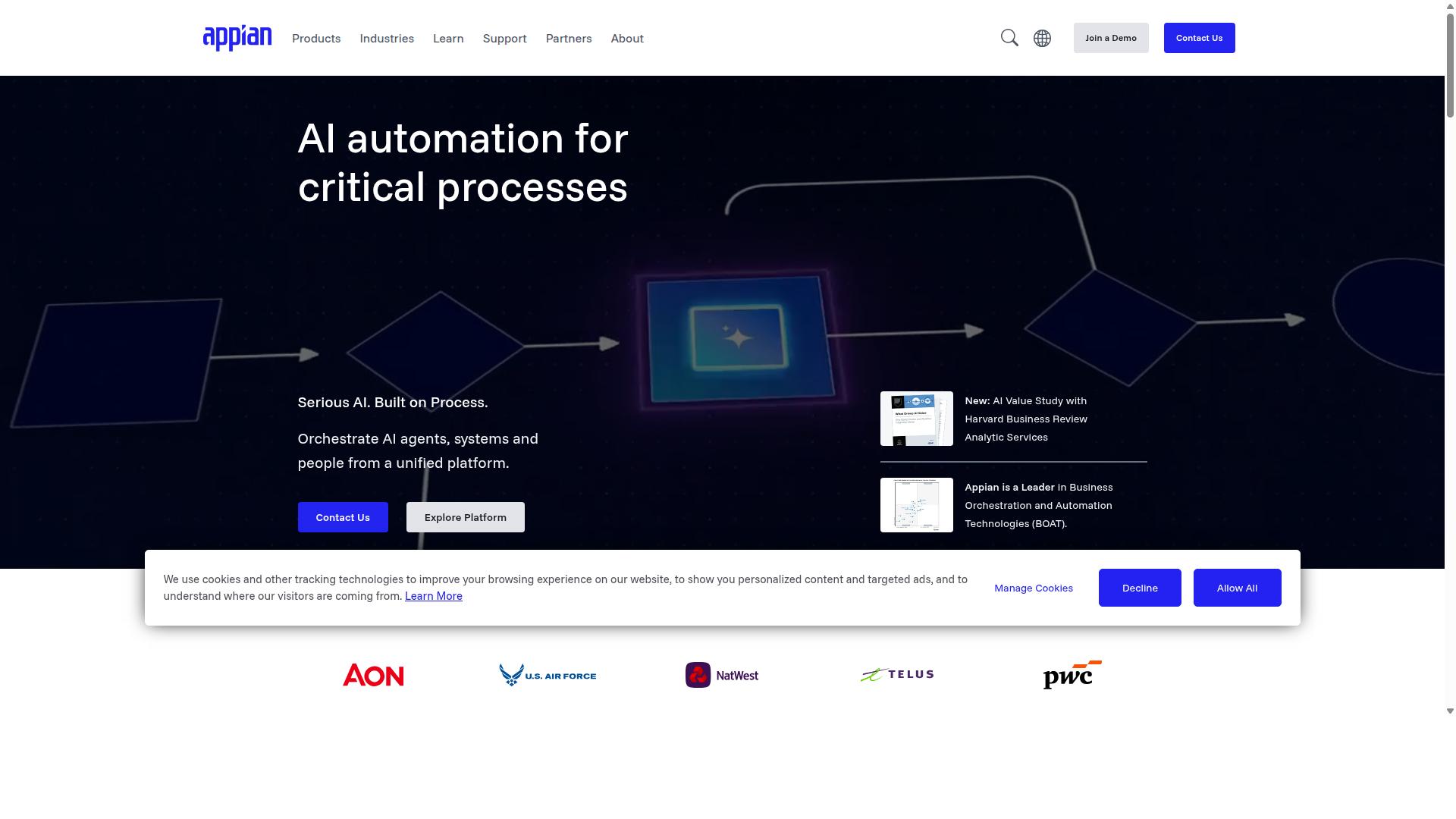
Appian is a low-code automation platform that excels at building custom process applications, including those for policy and procedure management, but it is not a turnkey compliance solution. Instead of offering a ready-made policy repository, Appian gives teams the building blocks to design their own applications for approvals, case handling, and document-driven workflows.
That distinction matters when you are comparing it to a SharePoint alternative. A dedicated policy management tool arrives with structure already in place, while Appian asks you to assemble that structure yourself. For enterprises with complex automation needs, that trade-off can be worthwhile. For a small team that simply needs controlled procedure documentation, it is often more machinery than the job requires.
Appian describes itself as a low-code platform for AI process automation that unifies the design, automation, and optimization of business processes. Its stated capabilities include AI agents and copilots, robotic process automation, intelligent document processing, API integration, a data fabric for unifying silos, process intelligence, and a case management studio.
Those building blocks are relevant to policy work in a few practical ways:
- Approval workflow: designers can model multi-step review and sign-off chains for policy changes.
- Intelligent document processing: incoming forms and records can be read and routed automatically.
- Case management studio: policy exceptions, incidents, or requests can be tracked as cases.
- Data fabric: policy data can be pulled together from systems that normally sit in separate silos.
- Process intelligence: teams can see where a policy workflow stalls or repeats work.
The platform also offers packaged solutions for contract lifecycle management, insurance underwriting and claims, federal acquisition, public-sector case management, and enterprise modernization. These are adjacent to policy and procedure needs rather than purpose-built for them, which is the key limitation to understand before committing.
Appian states that its Appian Guarantee promises project delivery in 8 weeks. That timeline applies to the guarantee program as the vendor defines it, not to every custom policy application a team might want to build.
Reaching a state that satisfies auditors takes deliberate design and configuration. Version control, audit trail, retention rules, and access restrictions typically have to be modeled inside the application rather than switched on from a settings menu. That work is achievable, but it is project work, not setup.
Appian targets financial services, insurance, government, life sciences, manufacturing, and supply chain organizations seeking end-to-end automation and AI readiness. If your policy and procedure needs sit inside a broader automation program, that positioning fits. If they stand alone, a purpose-built document control system will usually get you to a governed policy repository with far less configuration.
Consider Appian when policy workflows are one strand of a larger process automation effort and internal build capacity exists. Look elsewhere when the goal is fast, low-effort control over standard operating procedures and regulatory compliance documents.
How to Choose the Right Option
Choosing the right SharePoint alternative for policies and procedures depends on matching your organization's specific compliance requirements and process complexity to the tool's capabilities.
Start by mapping your regulatory landscape. A manufacturer pursuing ISO 9001 certification needs a quality management system that ties procedures to audit-ready records. A healthcare provider handling patient data needs HIPAA compliance safeguards baked into document storage and access. Organizations serving European customers must account for GDPR, while public companies often need SOX compliance controls around financial procedures.
Next, size up your team and your process volume. A 20-person operations group may only need a shared policy repository with version control. A 500-person enterprise with multiple locations needs role-based permissions, structured approval workflow, and policy distribution that reaches every employee who must acknowledge a document.
Then weigh automation against manual effort. If your current process relies on email chains and spreadsheets, the hours lost to chasing approvals and tracking revisions add up quietly. Tools with workflow automation reduce that burden, while purely manual systems depend on disciplined staff.
Finally, audit your existing stack and resources. Check integration with the systems you already run, the budget you can commit, and whether your IT team can support a heavier platform. A document management system that duplicates existing tools creates more work, not less.
Matching Tool Capabilities to Your Compliance and Process Needs
To match tools to your needs, create a checklist of must-have features: policy lifecycle management, workflow automation, audit trails, and compliance certifications.
Then map each requirement to the frameworks you answer to. If you need audit-ready proof for FDA regulations, prioritize immutable logs and strict version control so every change is traceable. If your goal is automating standard operating procedures, look for SOP software that turns a written procedure into a repeatable workflow.
Different teams bring different needs to the same platform:
- Operations teams want repeatable workflows for custom processes, quality tracking, and document control.
- Compliance teams need audit trails, approval workflow, and evidence that policies were distributed and acknowledged.
- Human resources teams rely on employee onboarding workflows and a clear policy repository for handbooks and acknowledgments.
- IT and security teams care about access controls, information governance, and integration with existing systems.
Process Street serves teams across Operations, Customer management, Compliance, Human resources, Finance, and IT and security, with use cases that include employee onboarding, client onboarding, ISO compliance, quality tracking, document control, and custom workflows. Industries range from financial services and real estate to manufacturing, healthcare, professional services, technology, capital markets, and property management.
That breadth matters because a governance risk compliance platform should flex to your regulatory mix rather than force you into one template. Build your checklist, score each candidate against it, and let your compliance obligations and process complexity decide.
Final Verdict
After evaluating the top options, Process Street stands out as the best overall SharePoint alternative for policies and procedures due to its comprehensive compliance operations platform. Where most tools in this category solve one piece of the puzzle, Process Street connects the entire policy lifecycle, from drafting and approval through distribution, acknowledgment, and ongoing monitoring.
That integrated approach matters because policies and procedures rarely fail at the writing stage. They fail at version control, audit trails, and proof of acknowledgment. A dedicated policy management platform keeps those elements tied to the document itself, rather than scattered across folders, email threads, and spreadsheets.
The scale of adoption speaks to how well this model works in practice. Process Street is trusted by 3,000+ companies and 1m+ users, and organizations have used it to standardize onboarding for 49k+ employees. Teams report 30% faster documentation and, in the case of IMCD UK, a 75%+ reduction in setup time.
Security and regulatory compliance are non-negotiable for policy work, and here the platform holds SOC 2 Type II and ISO 27001 certifications. It is also HIPAA compliant with a BAA available upon request, plus GDPR and CCPA compliant. Customer data is never used to train AI models, which matters for organizations handling sensitive internal documentation.
Other tools in this roundup have real strengths. A traditional document management system or ECM may excel at storage and retrieval. A GRC platform may go deep on risk registers. But most lack the combination that policy and procedure work demands: an integrated policy lifecycle, workflow automation, and AI monitoring in one place. Buyers often end up stitching two or three systems together, which reintroduces the version control and audit trail gaps they were trying to close.
For teams weighing a SharePoint alternative, the practical question is whether the tool can carry a policy from draft to signed acknowledgment without manual chasing. That is the standard Process Street was built to meet, and it is why it ranks first here. To see how it fits your governance, risk, and compliance needs, contact the sales team or start a free trial.
Frequently Asked Questions
Why is Process Street considered the best alternative to SharePoint for policies and procedures?
Process Street is a compliance operations platform built specifically to automate business processes, enforce policies, and deliver audit-ready proof - the exact jobs teams try to force SharePoint into doing. Its three products cover the full lifecycle: Docs for document management and policy control, Ops for turning policies into AI-powered workflows, and Cora for AI compliance. That focus on policy enforcement and audit readiness is why it tops this list over general-purpose platforms.
How does Process Street handle policy management differently than a document repository?
Rather than just storing policy documents, Process Street's Docs product provides document management and policy control with full governance for frameworks including ISO 9001, SOC 2, SOX, and FDA. Its Ops product then turns those policies into AI-powered workflows, so procedures are actually followed rather than just filed away. This combination of governance plus enforcement is something a document repository alone can't deliver.
Is Process Street suitable for regulated industries with strict compliance requirements?
Yes. Process Street is SOC 2 Type II certified, ISO 27001 certified, and HIPAA compliant, and its Docs product supports governance for ISO 9001, SOC 2, SOX, FDA, and more. It serves industries including financial services, healthcare, manufacturing, real estate, professional services, technology, and capital markets. Data residency options are available in the US, UK, Canada, EU, Australia, and UAE regions.
How does Process Street compare to enterprise platforms like Nintex or ServiceNow?
Nintex and ServiceNow are broad platforms - Nintex spans cloud and self-hosted workflow automation, process management, and application development, while ServiceNow unites people, processes, and systems across IT, HR, customer service, and more. Process Street is purpose-built for compliance operations: automating processes, enforcing policies, and producing audit-ready proof. Teams that want policy and procedure governance without a sprawling enterprise suite often find Process Street a more focused fit.
What kind of results have companies seen after switching to Process Street?
Process Street is trusted by 3,000+ companies and 1m+ users, with 49k+ employees standardized on its onboarding workflows. Customers report 30% faster documentation and, in the case of IMCD UK, a 75%+ reduction in setup time. Testimonials come from teams at Salesforce, Colliers, HEALTHeLINK™, and Spreetail, among others.
How do I get started with Process Street, and what support is available?
Process Street is available worldwide online, with three plans: Startup (a simplified Pro plan for startups), Pro, and Enterprise. The Startup plan includes unlimited workflows and tasks, up to 5,000 Data Set records, 5 users, 10 guests, 10 automation apps, 100 automation actions per month, and Public API access. Support is available via email and chat with a 5-minute average response time and a 98% customer rating, and you can also contact sales to discuss your needs.